
POS billing
Counter billing built for the evening rush
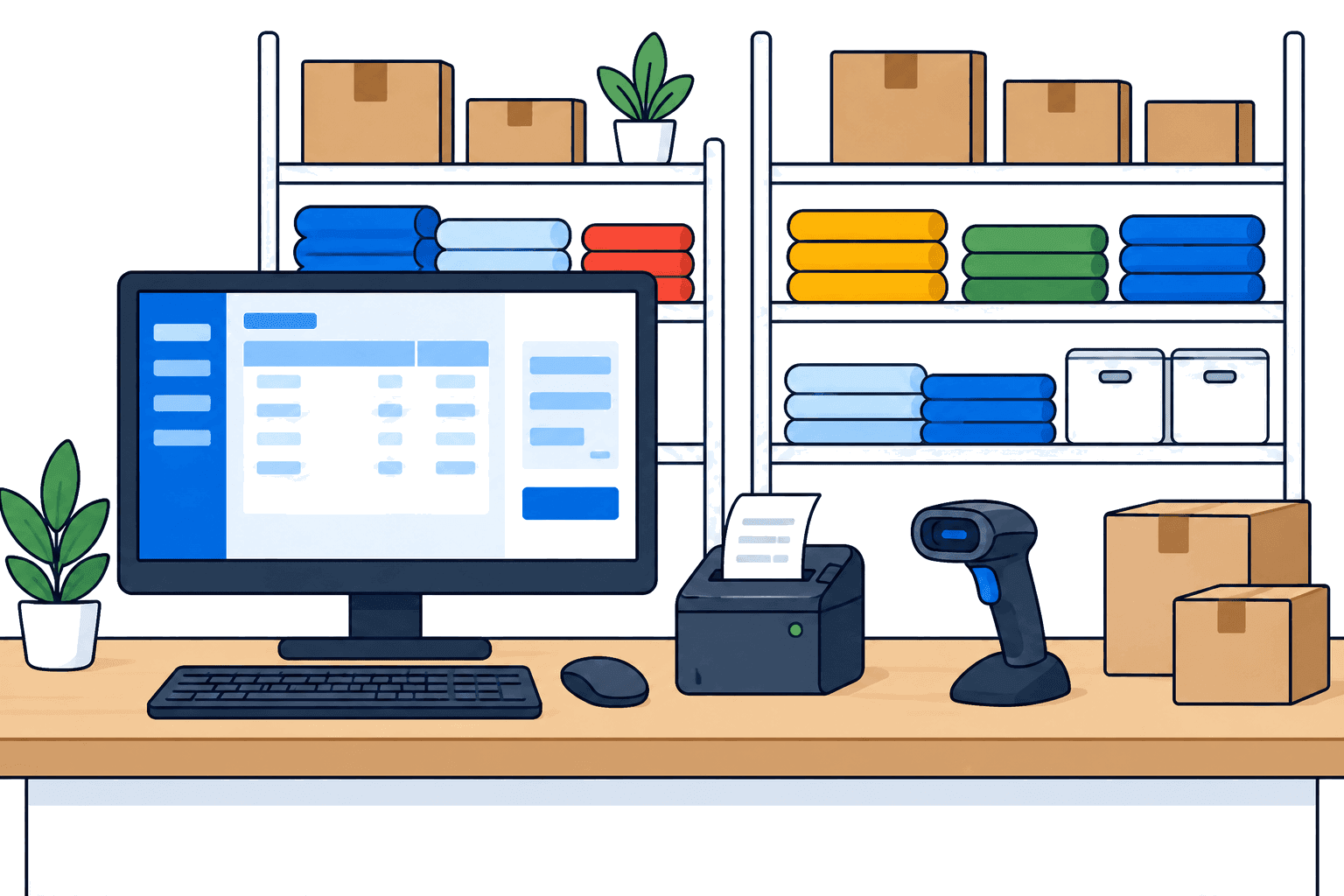
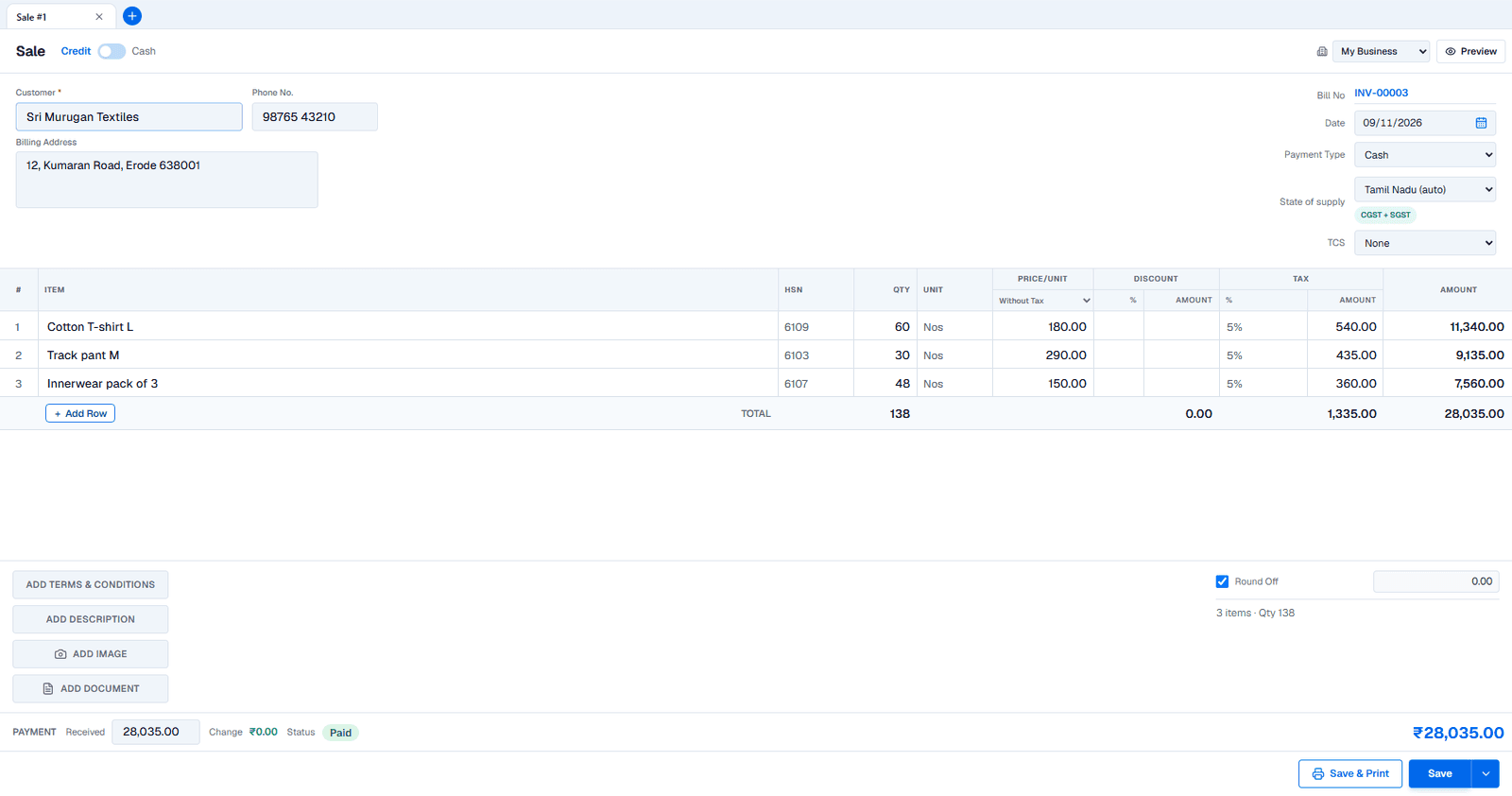
The POS screen in Agal One is a separate, simpler screen for the counter: a product panel on one side, the cart on the other, and the total in big letters. Scan, Enter, print. Nothing else gets in the way.
What it does
Scan and go
Any USB barcode scanner. Items without a barcode get one from the label printer.
Keyboard only
Search by name or code, change quantity, apply discount, take payment, print, all from the keyboard.
Thermal receipts
58 mm and 80 mm receipt printers with your shop name, GSTIN, UPI QR and footer line.
Walk-in or named customer
Bill a walk-in in seconds or pick a regular customer to post to their ledger.
Cash, UPI, card
Record the payment mode on each bill. Day-end summary by mode.
Stock and GST behind the scenes
Every POS bill is a proper GST invoice that updates stock and the GSTR summaries.


POS Billing: common questions
Can I use a touch screen?
The POS screen works with a touch monitor, but it is designed so the keyboard alone is enough.
Does it work with my existing thermal printer?
Almost certainly. It prints through the normal Windows printer driver, so any 58 mm or 80 mm printer that Windows can see will work. Call us if you want us to check your model.
Can I bill a walk-in customer without saving their details?
Yes. Walk-in is the default. Pick a named customer only when you want the bill on their ledger.
See it set up for your business
Start the 7-day trial today, or book a demo and we will walk you through Agal One in your language, on a remote session to your own PC.